

 Mara LeeCreative producer
“The shot already had the right pacing. I only needed to fix one hand, not lose the timing the editor had worked for.”
Use AI video repair free online to fix distorted hands, faces, objects, flicker, and continuity errors while preserving the video that already works.
060 · Motion artifacts
Contact sheet / Source timeline
00.00 — 05.00
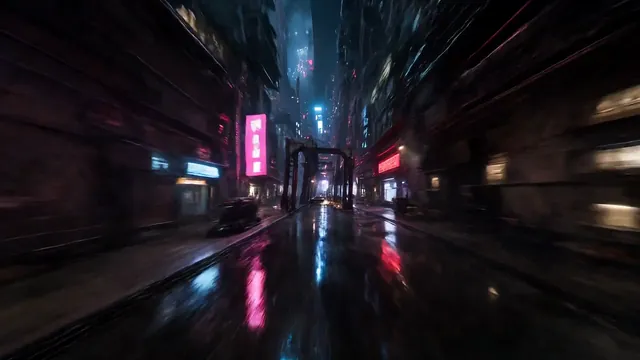
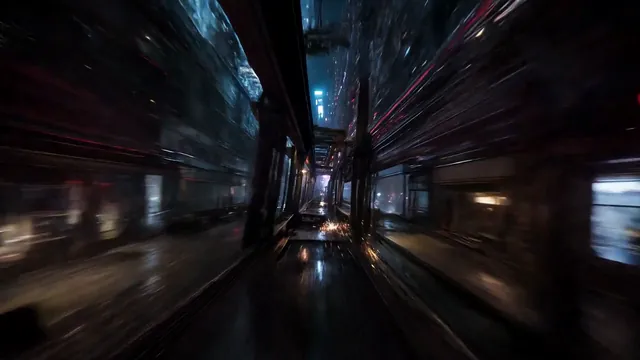
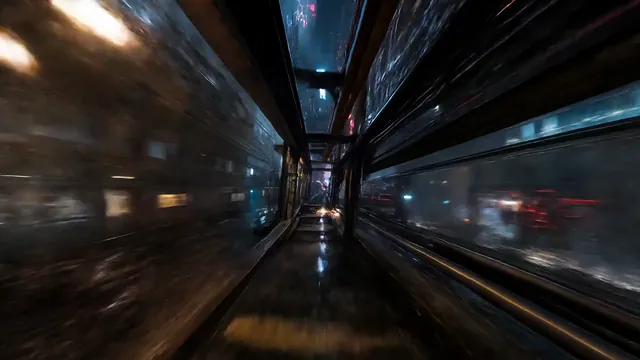
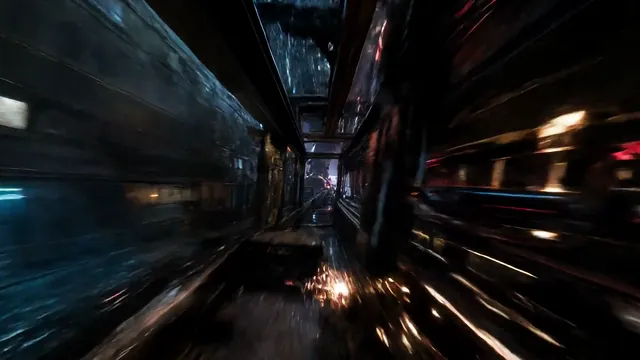
Lock the problem range, regenerate only what failed, and preserve character, scene, and shot continuity.
Target anatomy drift while preserving the scene.
Illustrative workflow story
Mara LeeCreative producer“The shot already had the right pacing. I only needed to fix one hand, not lose the timing the editor had worked for.”
 Devon EllisPost-production lead
“Giving a note a frame and a timestamp makes the handoff much clearer. Everyone can see what is changing and what stays protected.”
 Sofia ParkBrand content lead
“A preview before the full run is the difference. We can check the product detail before committing the rest of the scene.”
 Jon BellIndependent filmmaker
“I want a repair to feel like an edit decision, not another mystery generation. The visible scope makes that possible.”
 Alex NguyenMotion designer
“The quick pass gives us a useful direction before the team commits time to the full repair.”
 Riley CarterProduction coordinator
“It helps to leave one clear note with the clip instead of translating the same issue across three tools.”
 Kai AdamsCampaign lead
“We can protect the approved composition while trying a focused fix where the scene actually needs it.”
 Owen IbarraIndependent editor
“I like having the repair request travel with the footage, frame range, and review decision.”
FAQ
It is designed for local defects such as anatomy drift, continuity breaks, unstable motion, unwanted objects, noisy audio, and shots that need a controlled replacement.
No. The workflow keeps the original and focuses execution on the shot or evidence you approve.
Yes. You can upload a clip, mark the problem, and inspect the workflow before paying. Any credit cost is shown before you approve processing.
The current upload flow accepts MP4, MOV, and WebM video files.
Continuity is an explicit constraint. Adjacent shots, references, and the original source stay available during review.
You can explore without an account. Starting a repair opens sign-in first, then returns directly to the upload workspace.

Start free, keep the footage that already works, and move only the problem into a focused, reviewable repair flow.
Start free repair